How to log in to your Brand dashboard
1. Go to brand login page.
2. Fill up your email and password and click continue.
3. After you login successfully you will see the dashboard
3. After you login successfully you will see the dashboard
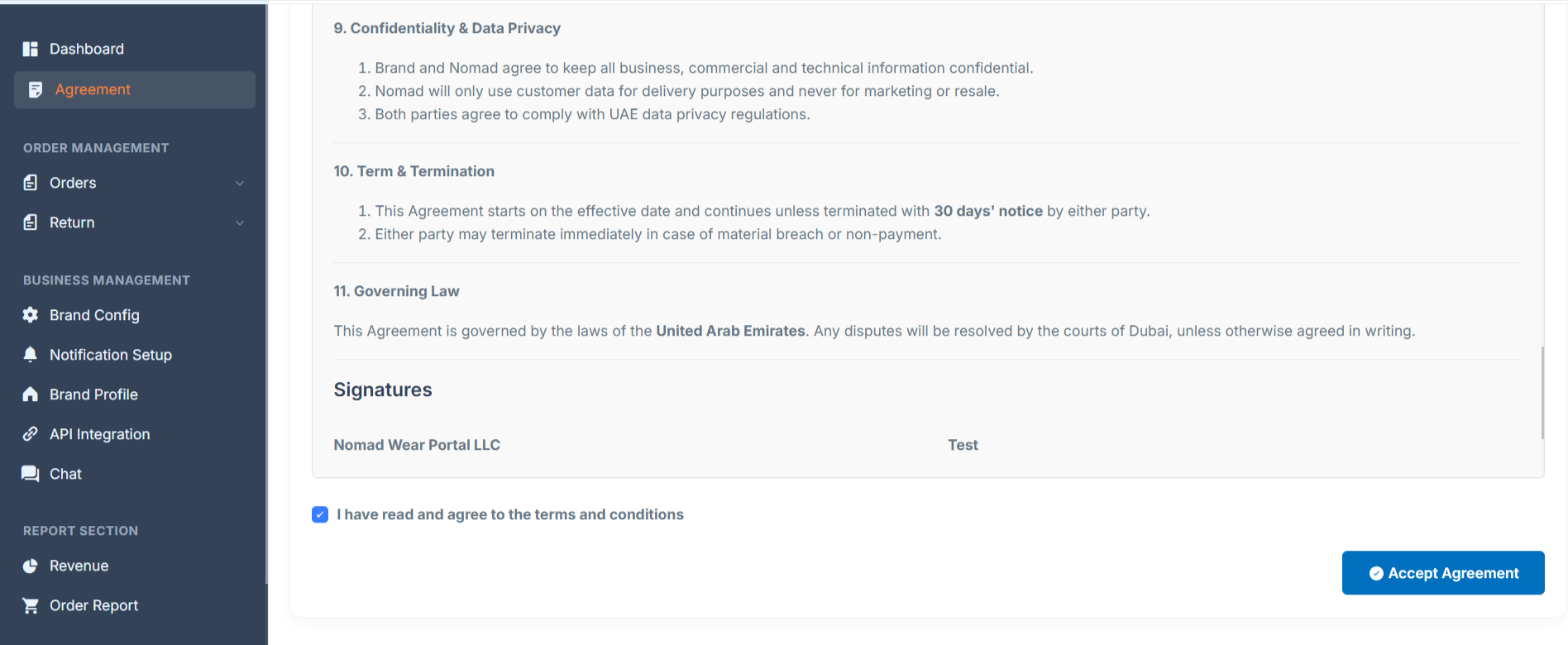
4. If you login first time please Accept agreement.
Related Articles
How to setup your Brand Config
1. Login to Brand dashboard. 2. Go to Brand Config 3. You can enable the Order return management form Nomad dashboard. 4. You can Schedule Working Hours accordingly. 5. You can setup the category for your brand and setup the pickup time.How to create a Brand account
1. Go to brand signup page. 2. Fill up the Company Information like brand name, person name Company name and Address etc. Must upload the valid Trade license and valid phone number. 3. Fill up your Business Details. Select the correct website ...How to manage notification settings
1. Login to Brand dashboard. 2. Go to Business management -> Notification setup 3. Here you can enable/disable any order related notifications.How to view new orders
1. Login to Brand dashboard. 2. Go to Order management -> Pending Orders. 3. Here you can see all the new orders.How to view return requests
1. Login to Brand dashboard. 2. Go to Order management -> Return -> Return requested 3. Click on view icon under action column 4. You see the return request.